turn any photo into print-style art.
stack dither, halftone, duotone, grain, riso and ascii onto any image with a live preview. everything runs locally in your browser — nothing is uploaded. export a crisp png or a scalable vector svg.
free · no account · processed on your device
the effects
every thumbnail is one image, run through duxt.
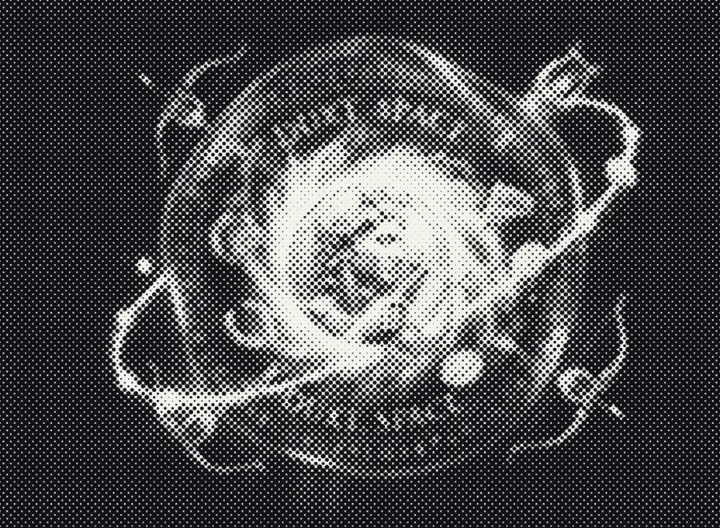
halftone
classic dot screens, from fine newsprint to bold comic dots
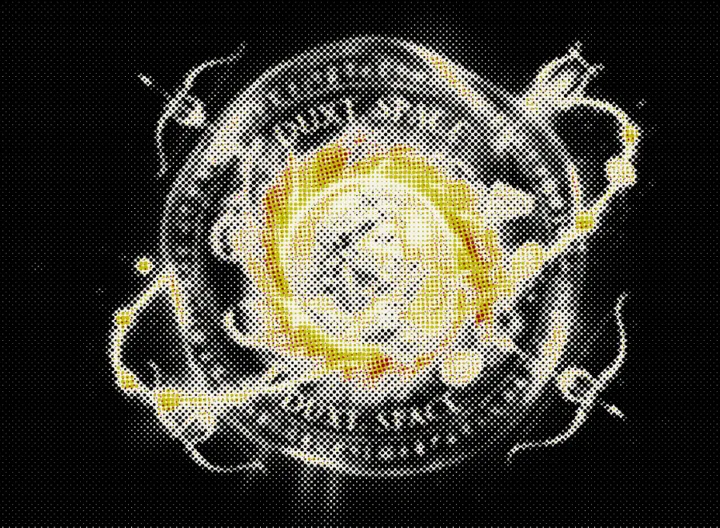
cmyk
four-colour process separation with offset ink dots
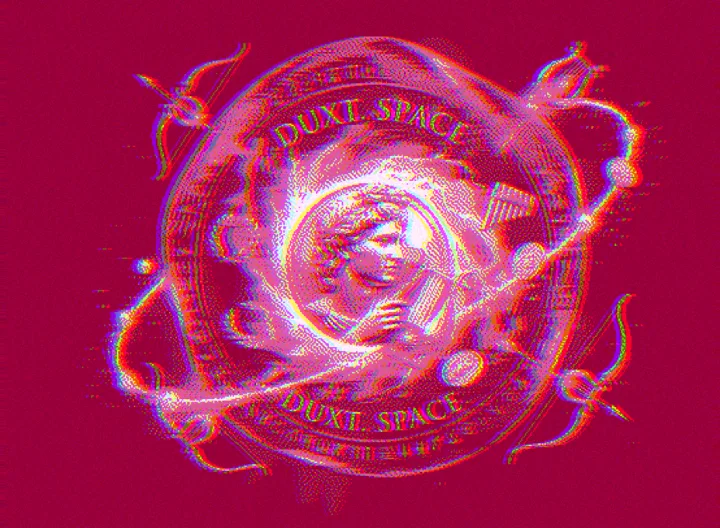
riso
risograph layers with off-register colour and texture
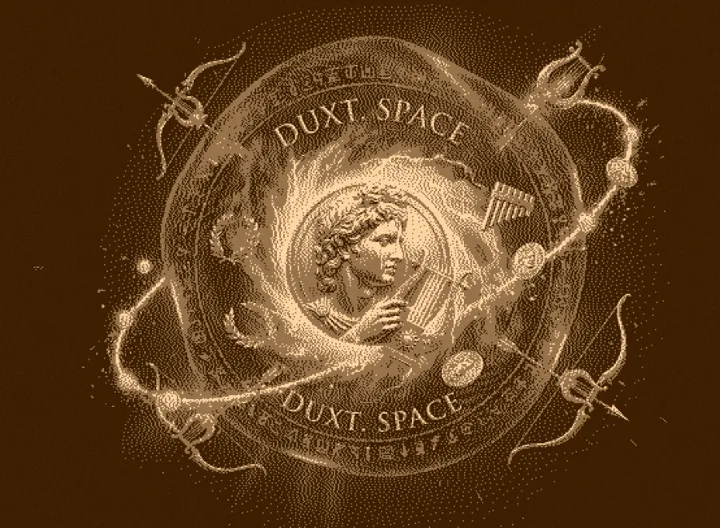
duotone
two-tone palettes and brand-coloured ink pairs
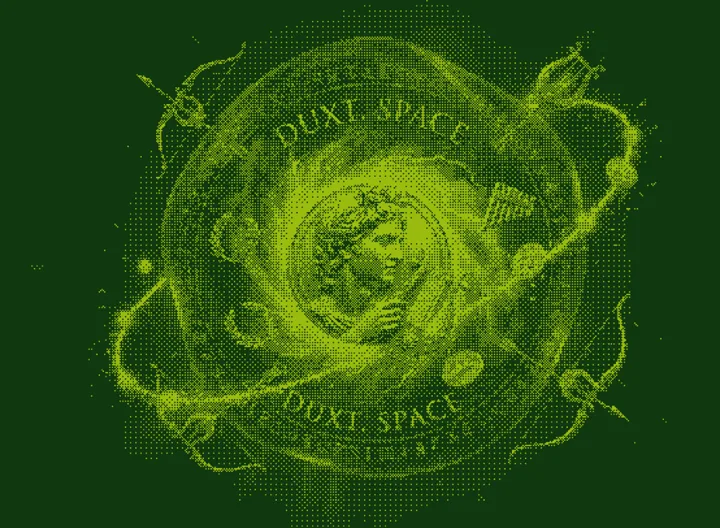
dither
reduced palettes with ordered dithering for a retro, low-bit look
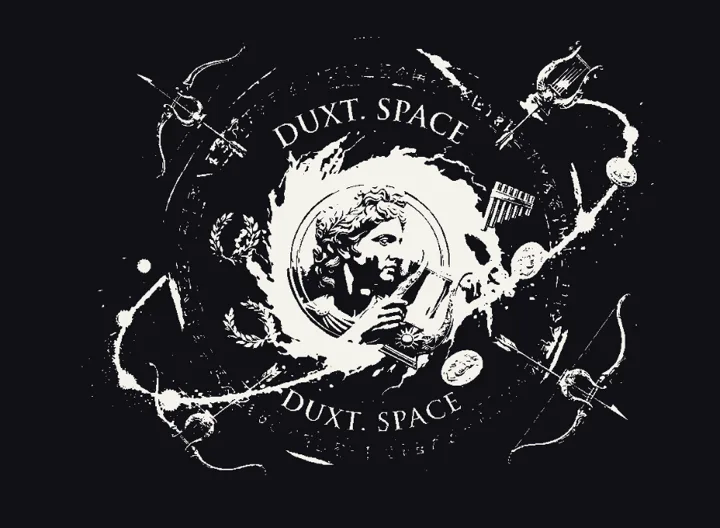
high contrast
hard black-and-white threshold — pure ink, no midtones
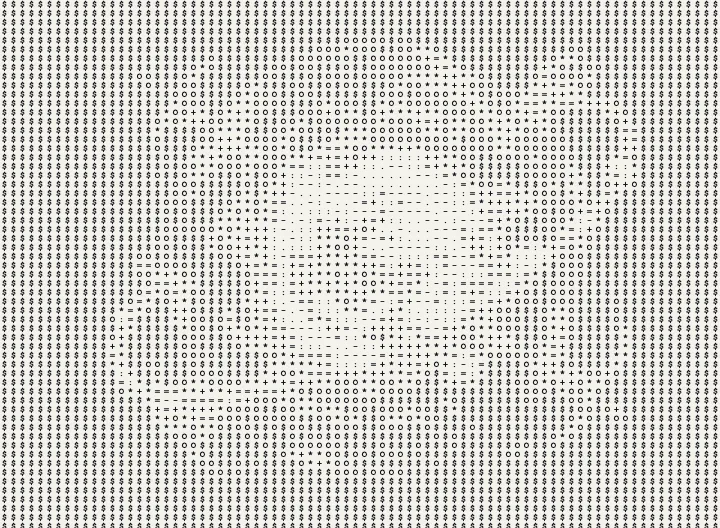
ascii
text-rendered image — density, bold, and invert for a terminal or zine look
how it works
live preview
drop a photo and every adjustment updates instantly, with before/after compare.
stays on your device
all processing happens in your browser. your images are never uploaded or stored.
print-ready export
save a high-resolution png, or a clean vector svg you can scale to any size.
where to use it
ios
a native, touch-first app for iphone and ipad.